
Run your own Blocknet node and learn how to check that it is connected and following the chain. This guide uses the official command-line client to manage a mainnet core, then inspect peers, synchronization and updates. The commands were checked against client v1.2.0 on October 26, 2026. Keep the official command reference nearby for the version you install.
What do you need to run a Blocknet node?
Use the official Blocknet client for your operating system, a computer with space for chain data and an internet connection. The client installs and manages the background core. Once it is running, inspect its peers and chain progress. Wallet creation and mining are separate tasks that you can add after the node is working.
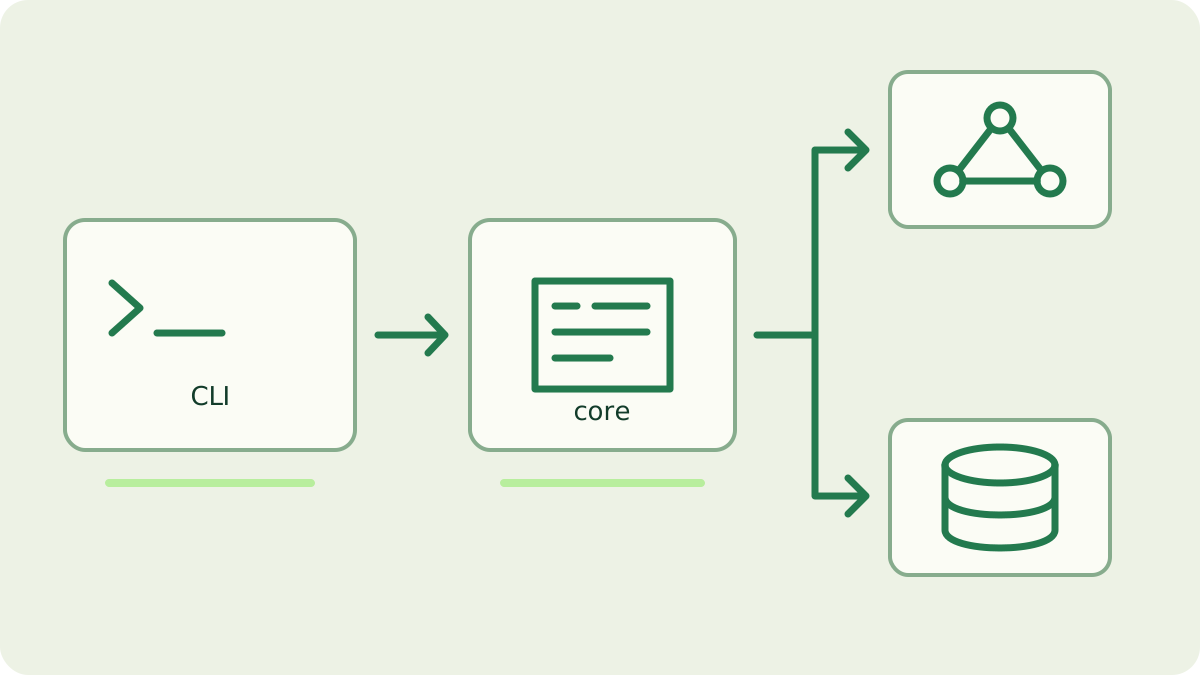
Choose the official client and your network
Download the archive matching your operating system and processor from the official client releases. Extract it and open a terminal where the executable is available. The examples below use the executable name blocknet; on Windows use blocknet.exe. If it is not on your command search path, invoke its actual file path, such as ./blocknet on Linux or macOS.
Use mainnet for the ordinary Blocknet network. Testnet is a separate environment with separate configuration and data. Keep the selected network in your notes so a testnet height is never compared with a mainnet explorer. This guide focuses on managing the node; the wallet guide owns wallet creation, recovery and choosing a receiving address.
Install and start the background core
For a first setup, run the wizard in an interactive terminal:
blocknet setupRead each prompt. The reviewed wizard saves the configuration, schedules automatic upgrades, offers to download a core when needed and offers to start it. It also exposes network and local API settings. Keep the local binding for a node you manage on this computer.
The documented manual installation path is:
blocknet install latest
blocknet start mainnet
Here latest selects the stable core release. Starting mainnet requires it to be enabled in the configuration. The client runs the core in the background and waits for its API. Allow startup work to finish; an initial database startup and a fully caught-up chain are different milestones.
How do you inspect peers and sync progress?
Connect to the running mainnet core:
blocknet attach mainnetAt the interactive prompt, enter these inspection commands separately:
status
peers
The shell reference describes the node fields. Record the height, best block hash, peer count and syncing state. The peer listing helps confirm that the node has network connections.
Observe the height over time and compare with a recent mainnet reference, such as the official explorer. A height can pause between blocks, and different observations can be taken at different moments. Use the fields together instead of declaring success from one number. If the node is catching up, keep its network connection and storage available while it works.
Separate chain sync from wallet scanning
Chain synchronization follows the network’s blocks. Wallet scanning searches that history for outputs belonging to a loaded wallet. A restored wallet may still be scanning after the node has caught up. The shell’s wallet information, when available, is therefore a separate observation from the node height. Use the payout-to-wallet guide when you are tracing a specific mining payment.
The current client also supports checkpoints for faster initial synchronization. Follow the checkpoint guide for their source and verification scope rather than treating every fast-sync method as identical. Do not delete the chain database as a routine response to a quiet progress display. First distinguish an active download, verification work and wallet scanning using status and logs.
Where do you look when startup needs attention?
Outside the attach shell, follow the managed core’s log:
blocknet logs mainnetRead the latest startup and connection messages. Press Ctrl-C to stop following the log. For configuration, paths, installed versions and connectivity checks, use:
blocknet doctorThe documented doctor command reports its findings without changing the setup. Save the exact message before choosing a fix.
Check that the expected core and network are configured, that the selected binary is installed, and that the local API address matches. Consult the official troubleshooting guide for the reported condition. Keep API credentials and wallet material private when sharing diagnostics. A version, operating system and relevant error are usually a better starting point than an entire configuration directory.
Understand updates and deliberate shutdowns
In the reviewed client, automatic upgrade checks run through the scheduler and selected lifecycle commands. The outer blocknet status command can trigger an update check; it is different from status inside attach. Available updates can restart managed cores following latest, while pinned versions are left alone. Read the upgrade reference before using the client for a node with dependent services.
Plan maintenance around anything using the node’s API. To leave attach, enter quit; the core continues running. To stop that managed mainnet core deliberately, run blocknet stop mainnet from the operating-system terminal. After an intended update or restart, confirm the running version, connection and chain progress. Keep your wallet backup available independently of the installed core binaries.
Use the node for the task you intended
A connected node can support your wallet and local chain queries without enabling mining. If you want to mine through bntpool.com, follow the pool setup guide and use seine’s normal pool connection. Running your own node is a separate choice. For direct mining, read the miner’s daemon-mode instructions and verify its API configuration before connecting it.
Keep a small operational record: network, client and core versions, data location, update policy and the checks that showed healthy progress. This is also useful when preparing for Faraday, whose future activation instructions should come from the official release. Recheck status after a planned change so your record describes the running node, not just the software you downloaded.
Frequently asked questions
Do I have to mine to run a Blocknet node?
Running a node and starting mining are separate operations. The core maintains chain data and network connections; mining must be enabled separately. You can inspect node status and peers without starting a mining workload. Pool mining with seine also has its own connection flow and does not require your own node.
Does closing the Blocknet shell stop the node?
The interactive attach session connects to a background core. Quitting that shell leaves the core running. Use the client’s explicit stop command when you intend to stop a managed node, then check its state. Closing a shell and stopping the underlying process are different actions.
How can I tell whether my Blocknet node is syncing?
Read the chain height, peer count and syncing state together, then observe progress over time. Compare against a recent reference from the same network. Wallet scanning is a separate activity, so a current node does not by itself prove that a newly loaded wallet has finished finding its outputs.