
Find which stage is holding up a Blocknet wallet balance: the node’s chain download, the wallet’s output scan, or a payment that has not become spendable. This guide follows the official CLI v1.2.0 and public core v0.22.0, checked on October 27, 2026. Start with a wallet you have already created or restored; the wallet setup guide covers that preparation.
Why is my Blocknet wallet still syncing?
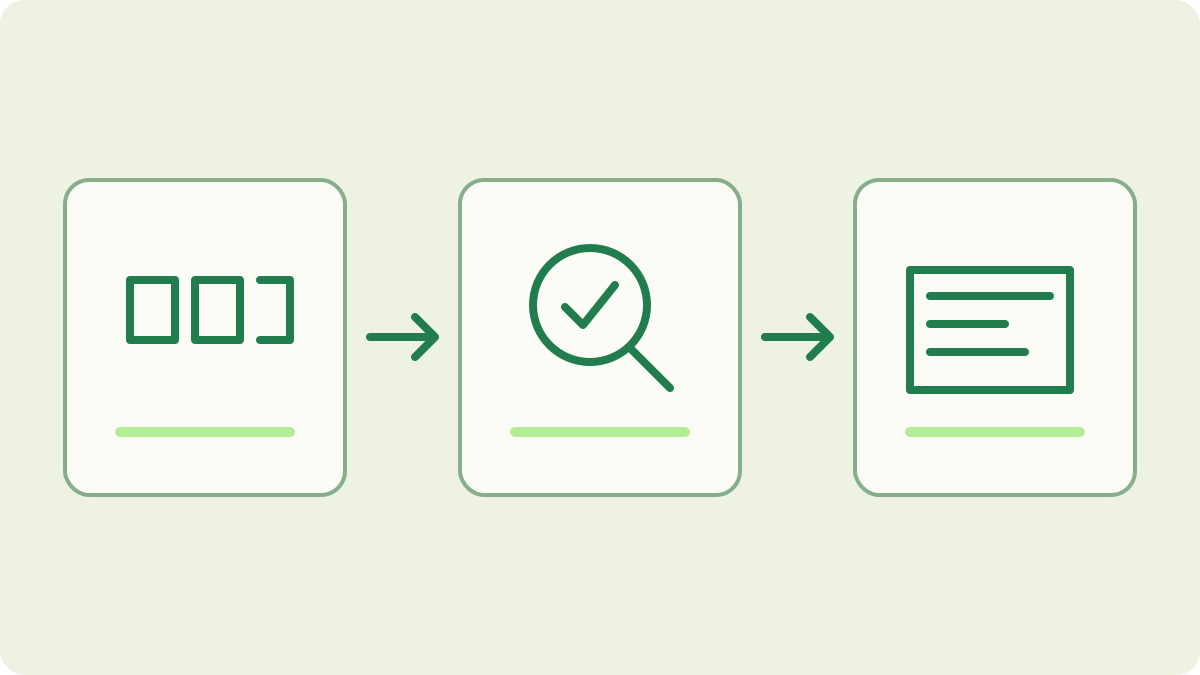
Check the node’s chain progress and peer connections, then inspect the loaded wallet’s scan progress. The node gathers blocks; the wallet searches those blocks for your payments. Verify the wallet address and network, let a progressing scan finish, and compare transaction history with spendable, pending and unconfirmed balances before deciding what needs attention.
Start with the intended wallet and network
Open your existing mainnet session from a terminal:
blocknet attach mainnetInside the interactive shell, open the wallet:
loadSelect the expected wallet file. If it is already loaded but locked, unlock it with its password through the client’s prompt. A locked-wallet message is an access state; it does not establish that the node has stopped downloading blocks.
Check these commands separately in the shell:
address
status
Compare the address with your own receiving record. Mainnet and testnet use separate cores and wallets. Also check which file you selected: opening a new empty wallet does not restore an older address. Follow the node guide if the core is not running or attach cannot connect to it.
Is the node behind, or is the wallet scanner behind?
The node’s status describes chain progress and network connectivity. The wallet has its own scanned height. In the reviewed client, the balance warning compares the wallet’s scanned position with the chain or synchronization target. A caught-up local chain can therefore coexist with a wallet balance that is still catching up. Read both stages instead of relying on one status word.
Inspect the wallet’s outputs:
outputsWhen no matching outputs are listed and scanning is behind, the client reports scanned height against chain height. Compare a later reading with the earlier one. An increasing scanned height indicates progress; a single empty list is not enough to conclude that a payment is missing. Record the heights and observation times for a useful comparison.
Check connectivity when the local chain is behind
If the node itself is behind, inspect its connected peers:
peersWith no peers, check the computer’s internet connection and firewall settings for the node. Use the official troubleshooting reference alongside the node guide. Observe chain height over time as well as peer count: a peer connection and a completed chain download answer different questions.
Keep node startup and wallet scanning separate in your notes. If a fresh node is downloading history, allow that stage to advance before judging whether the wallet has scanned a later payment. The checkpoint guide explains the existing fast-sync path. Repeatedly creating wallets or deleting chain data does not help identify which stage is progressing.
When should you run the wallet sync command?
Use the wallet scan command when the intended wallet is open and its output records need to catch up with downloaded blocks:
syncThe shell reference describes this as scanning local blocks for owned outputs. It is a wallet operation, separate from obtaining blocks from peers. Give the scan time to work before checking the same observation again.
The command reports its scanned height and discovered outputs, or that the wallet is already up to date. Recheck outputs and balance after it finishes. If the client reports a timeout, inspect current progress before issuing the operation again; a client-side timeout alone does not tell you the scanner’s final position. Keep the original wallet file and recovery backup while diagnosing the result.
Trace one expected payment through its records
Use the full transaction ID from the sender’s history or the pool’s sent-payout record. The explorer guide shows how to check its network status and containing block. A public inclusion record tells you where the transaction is; the receiving wallet identifies its private outputs. Compare the receiving details with your own payment record rather than expecting an explorer address-balance page.
Then inspect the wallet’s own records:
history
balance
A pending or unconfirmed amount is different from spendable funds. If the amount appears in one of those categories, follow its confirmation state instead of treating it as absent. For mining proceeds, the pool-to-wallet walkthrough distinguishes an unpaid pool balance, an actual payout and a wallet receipt.
What if scanning is complete but the amount still differs?
Recheck the wallet file, full receiving address, network and transaction ID together. Confirm that you are comparing the same payment and balance category. If this is a view-only wallet, use it for incoming-fund monitoring and use the full wallet when deciding what you can spend; the view-only setup guide explains that separation. A completed scan does not change the wallet’s type.
If the correct full wallet is current and the record still cannot be reconciled, preserve its file and backup before following the official recovery procedure. The seed guide explains the recovery material; the setup guide owns the import steps. Recovery belongs in your wallet software. Never put a seed, private key, wallet file or password into a public support post.
Keep a short record of what you verified
For follow-up, note the client and core versions, selected network, node height, scan height, peer count and exact error text. Note whether the values advanced between observations. If sharing logs, remove private paths, payment details and credentials that are not needed for the question. A concise record lets you describe the stage that needs attention without exposing wallet access.
Return to the same wallet history and balance after the targeted check. The useful outcome is that the intended payment appears with its actual current status and the relevant scan has caught up. The send-and-receive guide connects that final receiving check to the original payment workflow. Keep its transaction ID so later checks continue to follow the same operation.
Frequently asked questions
Why can my Blocknet node be synced while my wallet is behind?
The node downloads and validates the chain, while the wallet scans downloaded blocks for its own outputs. Those are separate stages. A restored wallet can still be scanning after the node catches up. Compare the wallet scan height with the local chain height before treating a displayed balance as complete.
Does the sync command download missing blocks?
In the reviewed command-line client, sync asks the wallet to scan blocks already available to its core. Network synchronization is a separate node task. If the local chain is behind and there are no connected peers, inspect connectivity first; a wallet scan cannot discover payments in blocks the node has not downloaded.
Should I send the payment again if my wallet balance is missing it?
First trace the existing transaction ID, confirm the receiving wallet and network, and check scanning and confirmation status. A displayed balance alone does not establish what happened to a send. Inspect the original wallet or pool payout record before preparing another payment, because another send is a new instruction.