
Use a Blocknet message signature to demonstrate control of an address without making a payment. This guide follows official CLI v1.2.0 and core v0.22.0, checked on October 27, 2026. You will prepare a clear challenge, sign it in the intended wallet and verify the complete address, message and signature together.
How do you sign and verify a Blocknet message?
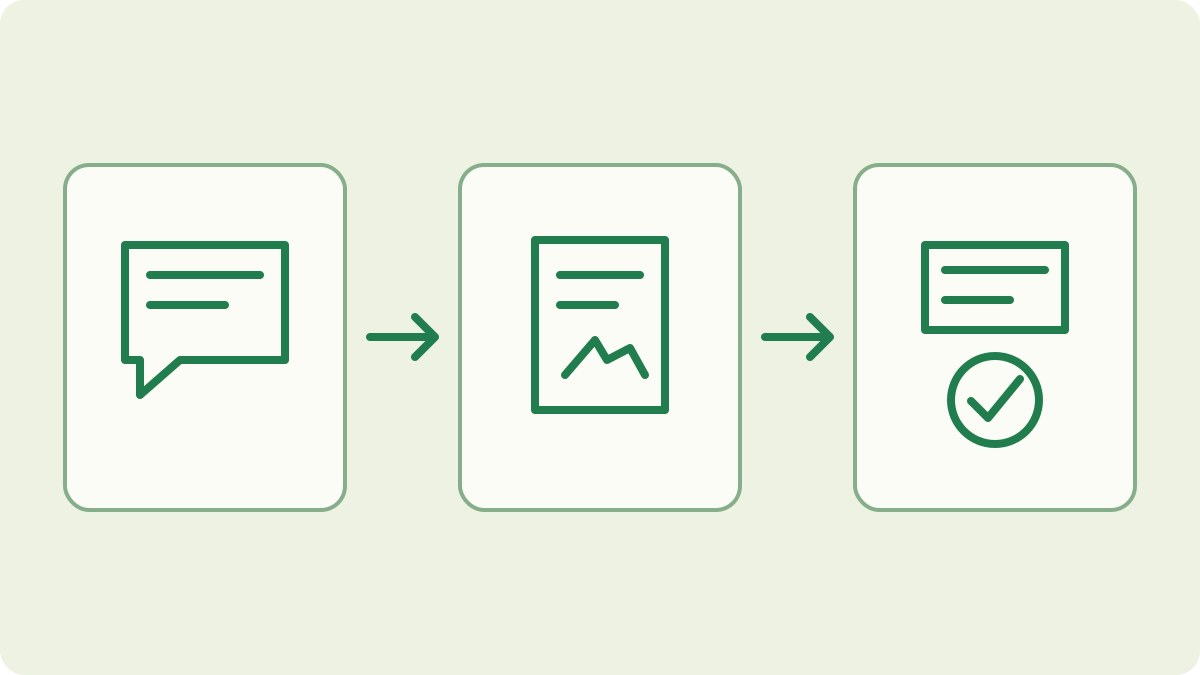
Load your full wallet, confirm its address and use the sign command to sign the agreed text. Share the address, exact message and resulting signature with the verifier. They use the verify command to check those three values together, then confirm that the message matches the purpose and fresh challenge they requested.
Agree what the signed message will mean
Start with a specific request: which address should demonstrate control, for whom, and for what action? A payment proof establishes details of a transaction. A message signature is useful when the question concerns control of a signing key, such as confirming an address for an account. The wallet guide covers creating and opening the wallet that will sign.
Have the verifier supply a fresh unpredictable challenge for this request. Include enough context to identify the service or recipient and the intended action, and agree an expiry if the workflow needs one. These are application rules: the signature checker does not automatically enforce freshness, expiry or one-time use. The verifier must compare the message with the request and record when a challenge has been used.
Open the intended full wallet
Attach to your running mainnet core from a terminal:
blocknet attach mainnetInside the interactive shell, load the wallet and check its address:
load
address
Select the intended wallet file and unlock it through the client if requested. Compare the full address with the one the verifier expects, including when you keep several wallet files on the same computer.
The reviewed core signs messages with the wallet’s spending private key. A view-only wallet cannot perform this operation. Keep the full wallet on its intended computer; the verifier only needs the resulting signature and public information. You do not need to send funds or export a wallet file to complete the signing procedure.
Prepare the exact text before signing
Read the whole request and make sure you intend its stated purpose. The official client reads one line, removes leading and trailing whitespace, and rejects an empty message or one longer than 1024 bytes. That limit counts bytes, so non-ASCII characters can take more than one each. Use a short, unambiguous line and retain the exact text submitted.
Keep capitalization, punctuation and internal spaces unchanged when passing the message to the verifier. A text editor or chat application can replace quote characters or alter copied text; compare the actual message if verification fails. For a login or account workflow, follow the service’s documented challenge format. Do not silently rewrite its requested text, because the verifier should be checking the specific challenge it issued.
Sign the message in the official shell
Start the prompt inside the interactive shell:
signThe client asks for the text. Paste the agreed single-line message and press Enter. On success it prints a hexadecimal signature. Copy the complete output, preserving every character. The client implementation sends the message to the wallet-signing endpoint; this operation does not create or broadcast a transaction.
Give the verifier the complete address, exact message and signature as separate values. Label them clearly so the signature is not mistaken for the message or an address. Keep your recovery seed, private keys and wallet password private. The seed guide explains recovery material; none of it belongs in the evidence you send to someone checking a signature.
How does the other person verify the signature?
They use the official shell’s verification prompt with a running compatible core:
verifyEnter the complete address first, then the exact message, then the hexadecimal signature. The shell reference documents this sequence. A wallet does not need to be loaded for verification, so the verifier can check the evidence without importing the signer’s wallet or handling any private key.
The reviewed client displays Signature is VALID when the combination verifies and Signature is INVALID when it does not. An input-format error is a separate result: recheck all fields and preserve the original evidence before trying again. If the message or address differs from the expected request, resolve that difference even if the signature is mathematically valid for the supplied values.
Interpret success in the context of the request
A valid signature verifies the message against the spending public key encoded in the supplied address. It does not establish a legal identity, show a balance, or prove a payment occurred. For a payment question, use the sending record, explorer lookup and transaction-specific proof. Choose the evidence that answers the actual question rather than treating every valid signature as a receipt.
Check the challenge’s freshness and intended recipient before accepting it. Someone can copy a valid message and signature and present that same pair again. A service that needs one-time authorization must enforce that rule itself. Likewise, an expiry written in the message is meaningful only when the verifier checks it. These checks connect cryptographic validity to the agreed action.
Keep a clear verification record
Retain the address, exact message, signature, request context and verification result together when your workflow needs an audit record. Record the check time separately from any timestamp written by the signer. Avoid including unrelated personal information in the message because anyone who receives the signed text can read and copy it. Share the evidence with the intended verifier through the agreed channel.
If you use the wallet to receive mining payouts, pool tracking still supplies the pool’s share and payout records; a message signature does not replace them. The node guide covers the core needed by the official shell. Once you have completed the agreed check, keep signing access in your full wallet and use public verification for the people checking the result.
Frequently asked questions
Does signing a Blocknet message send coins?
The reviewed message-signing endpoint signs text with the wallet’s spending key and returns a signature. It does not construct or broadcast a payment. The person checking it needs the address, exact message and signature. Read the requested text carefully because a service may use that signature to authorize its own action.
Can I verify a signature without opening a wallet?
Yes. The official shell’s verify command calls the public verification endpoint, which does not require a loaded wallet. It needs a running compatible core, the complete address, the exact signed message and the signature. Verification checks that combination; it does not ask for the signer’s seed, password or private keys.
What does a valid Blocknet message signature prove?
It establishes that the message verifies against the spending public key in the supplied address. Use an agreed fresh challenge when you need evidence of current control. It does not establish a person’s legal identity, wallet balance or a completed payment, and an old valid signature can be presented again.