
Send a Blocknet payment from a prepared wallet, then follow it from the sender’s review screen to the recipient’s history. This walkthrough uses the official command-line client v1.2.0, checked on October 26, 2026. It connects the address, payment preview and transaction record into one procedure. Use the wallet setup guide first if you still need to create or restore a wallet.
How do you send and receive Blocknet?
To receive Blocknet, share your wallet’s receiving address or verified shortname. To send, enter the recipient and amount in your wallet, review the destination and fee, and confirm the intended payment. Keep the transaction ID afterward. The recipient checks their own wallet history and spendable balance as the transaction progresses.
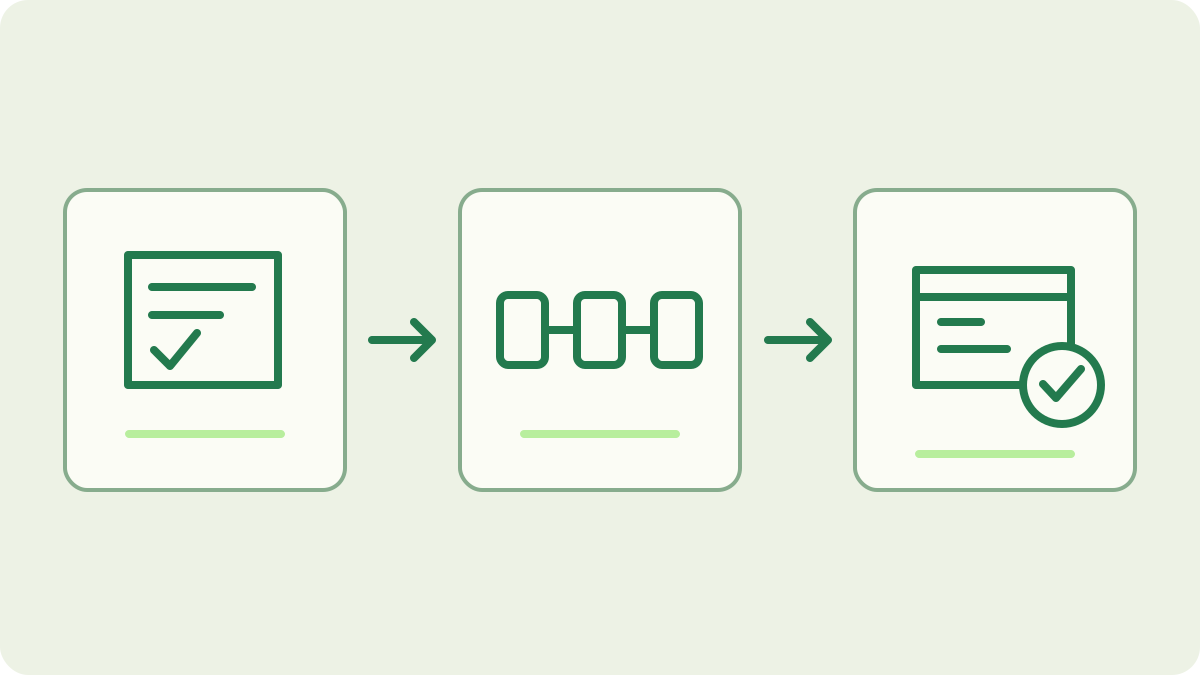
Open the correct wallet before preparing a payment
Connect to your running mainnet core with the official client:
blocknet attach mainnetAt the interactive prompt, use the following command to open your existing wallet:
loadSelect the intended wallet file and enter its password when prompted. The node guide covers starting and inspecting the background core.
Check the wallet’s receiving address and balance with these separate commands:
address
balance
Confirm that you are using the intended wallet and network. Read the spendable amount when preparing an outgoing payment. The official shell reference documents these commands; a graphical wallet can present the same tasks with different controls and labels.
What should you share with the sender?
Copy the full address produced by the wallet’s address command and pass it through your agreed payment channel. If you use Blocknet ID, share the correct shortname and have the sender inspect its resolved address. Check the spelling with the recipient when preparing a new payment. A familiar display name alone is not the same as checking the actual receiving details.
A payment link can carry the requested amount and an optional memo. Use it to reduce retyping, then review the populated details in the wallet. Your recovery words and private keys are not receiving details. Keep them out of messages, invoices and screenshots. The receiving address is the information this step needs.
Enter the recipient and the intended amount
The following is a syntax example inside attach. Replace the uppercase placeholder with the actual recipient address, and replace the illustrative amount with the amount you intend to pay:
send RECIPIENT_ADDRESS 1.25The placeholder is not an address to pay. The reviewed client also accepts a Blocknet ID shortname in the recipient position.
For an invoice or order reference, add a memo using the encrypted memo guide. Check the recipient’s requested wording before you prepare it. Keep this first walkthrough focused on a fixed amount; send-all is a separate operation that accounts for the fee differently. The fee guide explains that distinction and how change returns to your wallet.
Review the preview before confirming
The reviewed client requests a dry-run preview before sending. It displays the amount and destination, the fee, and any change. A resolved shortname includes its address in the review. If you supplied a memo, inspect that too. Compare these details with the request you intended to satisfy before making a decision at the prompt.
At Confirm [y/N]:, enter y only for the payment you intend to make. Press Enter or answer no to cancel the preview. For an ordinary fixed-amount send, the recipient amount and network fee are separate parts of the wallet’s calculation. Use the values in the current preview instead of copying a fee from an older example or screenshot.
Keep the transaction ID after sending
After a successful confirmed send, the CLI prints a transaction ID and an explorer link. Save that identifier with your own payment record so you can locate the same transaction again. It is more useful for checking progress than a cropped screenshot of a success message. Keep the recipient, intended amount and invoice reference in your private records as appropriate.
Use the wallet history command to review activity:
historyThe current client combines incoming wallet outputs with recorded outgoing sends, including outgoing entries still in the mempool. If an operation reports an unclear result, check the existing history and identifier before preparing another payment. Repeating a send is a new payment instruction, so establish what happened to the first one.
Confirm receipt in the recipient’s wallet
The recipient checks history in their own loaded wallet and matches the incoming record to the transaction being discussed. Wallet scanning identifies the outputs that belong to that wallet. A public transaction page establishes network information, while the receiving wallet supplies the private payment view. The explorer guide explains how to read the public record alongside this check.
Inspect the wallet balance again as the payment progresses. Spendable, pending and unconfirmed are different states. A restored or recently opened wallet may still be scanning history even when its node is connected. Let that work progress, then recheck. For a mining payment, the pool-to-wallet guide follows the additional step from a pool payout record to wallet receipt.
Build a repeatable payment routine
For each intended payment, start with the correct wallet and network, verify the receiving details, review the current preview and keep the resulting transaction ID. The receiver then checks their own history and balance. These observations describe different stages, so record the stage you actually verified rather than treating every successful screen as the final receipt.
Keep using the official instructions for your installed client when labels or workflows change. This guide describes the reviewed CLI procedure, while the linked guides provide detail on names, memos, fees and scanning. If you also mine with bntpool.com, keep the payout address tied to a wallet you can open and check through the same receiving process.
Frequently asked questions
What do I share to receive Blocknet?
Share the receiving address shown by your wallet, or your verified Blocknet ID shortname. A payment link can include the intended amount and memo. The sender needs your receiving details, while your recovery words and private keys stay with you. Confirm receipt through your own wallet history.
Can I cancel a Blocknet payment before confirming it?
In the reviewed command-line client, the send command first requests a preview and displays the payment details. At its confirmation prompt, pressing Enter or answering no cancels that operation. After a confirmed send, inspect the transaction record before deciding on any further action.
Why is received Blocknet not immediately spendable?
The wallet distinguishes spendable funds from pending or unconfirmed funds. A transaction can appear in the network before its outputs are available to spend. Read the wallet’s current status and let synchronization and scanning progress. The public explorer helps check inclusion, while the wallet identifies your own outputs.