
Use CPU utilization to understand what your machine is doing while seine mines Blocknet. This guide explains how to read that percentage alongside active threads, local H/s and accepted shares in public release v0.2.36. It gives you a check sequence before changing settings. For first installation, start with the mining guide.
Does lower CPU usage mean less useful mining?
A CPU percentage alone does not tell you how much useful mining work is being completed. Check the selected CPU backend, its active thread count, local hashrate and incoming jobs. seine can select fewer mining threads than the machine exposes logical processors. Compare completed work under consistent conditions before changing the count.
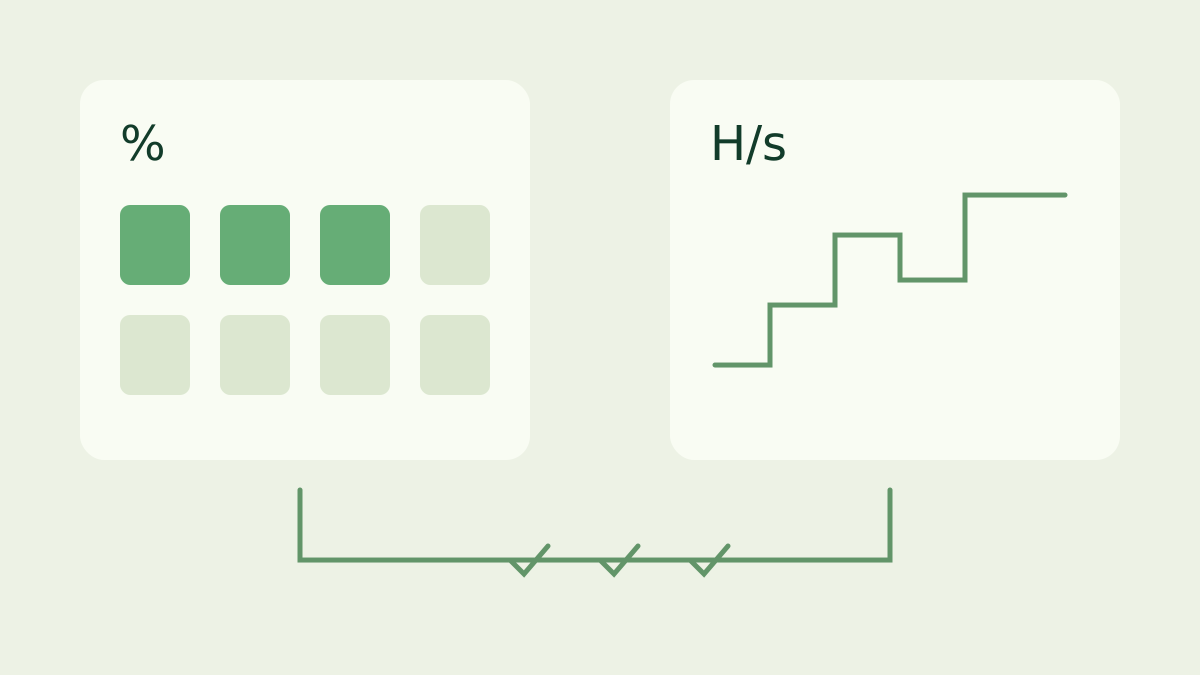
Read the scope of the percentage first
On Windows, distinguish the seine process from the whole-machine total. Open Task Manager, find seine in the process list, then inspect Performance and the CPU view. The logical-processor graphs show how load is distributed; the overall figure combines activity across the machine. Microsoft’s Task Manager guide documents those views. Record which view you used when comparing observations.
On Linux, the process percentage in top can use a different scale from the system summary. In Irix mode, a multithreaded process can exceed 100%; Solaris mode divides by the processor count. Its thread view changes the rows being displayed. Read the top manual before comparing screenshots from different tools or modes. A changed scale is not a measured change in mining speed.
Check which device is doing the work
Read the CPU row in the seine dashboard and record its H/s and active threads. A combined CPU-and-GPU rate includes more than CPU work, so compare the same device on both sides. If your launch command explicitly selects only NVIDIA, a low CPU mining load is expected because you selected a different backend. The NVIDIA guide explains that setup.
Also distinguish the miner’s active mining-thread count from an operating-system process thread count. seine has supporting tasks for networking, control and reporting as well as hashing. A process can therefore contain more threads than its CPU mining row shows. The question to answer is how many hashing threads are active and whether they are completing work, rather than whether every process thread stays busy.
Why can memory set the active thread count?
Each active CPU mining thread uses a 2 GiB arena for Blocknet’s Argon2id work. Available memory matters alongside the processor count, and automatic sizing leaves room for the system. Read the actual thread count and memory messages instead of dividing installed RAM into a promised capacity. The RAM planning guide owns the detailed budget, reserve and allocation checks.
Memory capacity and bandwidth answer different questions. Capacity determines how many arenas can fit; bandwidth affects how efficiently simultaneous threads move data. A thread can remain counted as busy while its computation waits on memory, so low utilization alone does not prove a bandwidth bottleneck. Equally, filling a CPU meter does not establish the best H/s. Use the Argon2id guide for the workload’s memory design.
Read automatic changes and explicit settings
When automatic CPU tuning is active, seine compares thread and kernel choices using measured work. A lower chosen count can be a valid result of that search, and available-memory changes can alter the active count. Let the current trial settle and read its messages before interpreting a single sample. The automatic tuning guide explains those decisions and cache reuse.
Inspect the command you actually launched. An explicit --threads value, a tuning maximum or a CPU profile can change the search or selected count; an affinity setting can change placement. Containers, virtual machines and OS limits can also expose less execution capacity than the physical host has. Keep your existing configuration recorded and identify which setting applies before trying a larger number.
What if both utilization and H/s drop?
First check whether the CPU backend is active and has work. Look for a current mining job, connection messages, memory adjustments and backend errors in the dashboard log. A temporary change during setup or a new tuning trial has context that an OS meter does not show. If GPU work continues while the CPU row changes, inspect those device states separately.
Then compare a steady interval with the same release, backend and settings. Note other applications, memory use, power settings and the observation time. For a repeatable local comparison, follow the benchmark guide and keep all reports. This separates the measurement procedure from a normal pool session without treating a short peak or a single percentage as a hardware result.
Finish with completed and accepted work
During normal mining, verify that local CPU hashes are progressing and that the session receives accepted-share responses. Shares arrive at intervals, so an individual quiet moment is not a fixed countdown to the next share. Pool hashrate is estimated from submissions over time. The pool tracking guide explains that separate view and connection checks.
Keep a compact record: release, launch command, selected backend, active CPU threads, local CPU H/s, OS tool and view, memory state and pool observation window. If those agree that work is progressing, the system-wide meter is useful context. When one stage does not progress, follow that stage’s guide. This gives every setting change a concrete question and a comparable result.
Frequently asked questions
Should a Blocknet miner always use 100% CPU?
No. A system-wide CPU percentage describes utilization across the processors available to the operating system, while seine measures completed hashes. The useful thread count depends on memory and measured throughput. Check active CPU threads, hashrate and accepted work together before deciding that a lower percentage needs a change.
Why can seine choose fewer threads than my CPU supports?
Each active CPU mining thread needs a 2 GiB memory arena, and threads share memory bandwidth. Automatic selection considers memory and tests throughput instead of assuming every logical processor should have a mining thread. Explicit limits, backend selection and the available execution environment also affect the active count.
What should I check if CPU usage and hashrate both fall?
Check the CPU backend state, active thread count, recent tuning and memory messages, and whether the miner has a current job. Compare the same device and time interval, then inspect background load and execution limits. For connection or zero-pool-hashrate problems, follow the pool tracking guide rather than increasing threads immediately.