
Make your Blocknet miner start with predictable settings every time. This guide follows seine v0.2.37 and explains where connection settings live, which launch arguments take precedence, and how to make an intentional change persist. Start with an already working installation; the update guide covers replacing the application itself.
How does seine choose its settings?
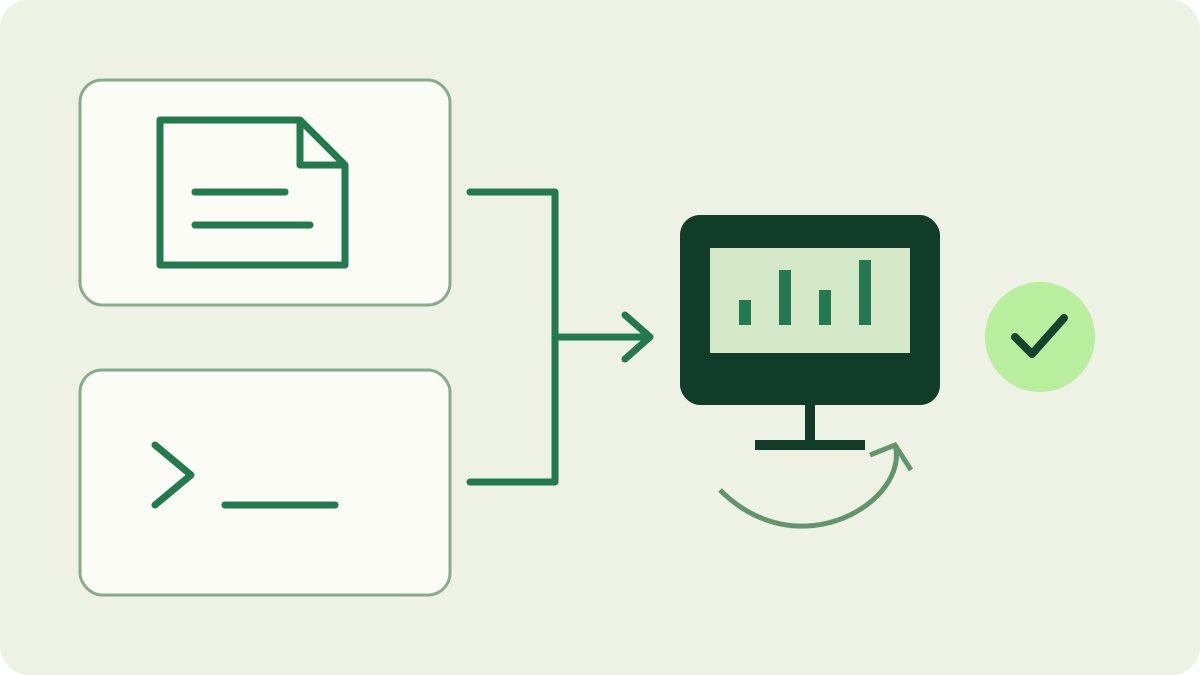
seine combines saved connection settings with the arguments supplied at startup. Explicit connection arguments take precedence over the corresponding saved values. The data directory decides which configuration file is read. Hardware and runtime flags remain launch options, so preserve both the saved file and your regular startup command.
Find the configuration used by your launcher
The default file is ./seine-data/seine.config.json. That relative path starts at the process working directory, which can differ from the folder containing the executable. Check the terminal folder, shortcut working directory or service settings before editing anything. Two launchers can run the same executable while reading different data folders.
The --data-dir option selects the base directory; the filename remains seine.config.json. Use a stable absolute directory when launching from several places. Record the executable, working directory, data directory and complete arguments together. The Windows startup guide shows how those paths fit into Task Scheduler, including paths containing spaces.
Which settings belong in the saved file?
The example below shows the main connection fields. Replace @yourname with your own registered Blocknet ID or full receiving address. It is a reference for the file shape, not a command to run. When editing an existing installation, change its relevant fields rather than replacing the whole file with this example.
{
  "schema_version": 1,
  "mode": "pool",
  "address": "@yourname",
  "pool_url": "stratum+tcp://bntpool.com:3333",
  "pool_worker": "desktop-01"
}
The fields mode, address, pool_url and pool_worker select mining mode, receiving destination, pool endpoint and rig label. Preserve schema_version and any existing dev_fee_pool_worker field. The latter is a separate generated label; use pool_worker for your own rig. Keep wallet recovery phrases and private keys out of this connection file.
How do you make a change permanent?
Stop the miner before editing and keep a backup of the existing file. Use a plain-text editor, retain valid JSON with double-quoted strings, and save the original filename without an extra text-file extension. Change only the field needed for the task. Save the file in the data directory your regular launcher actually selects. Check commas between fields and avoid comments or trailing commas. If your editor offers JSON validation, use it before restarting. A backup lets you compare the exact previous values instead of reconstructing them from memory.
Inspect that launcher for an explicit override of the same setting. A saved address edit will not take effect while an old --address remains in the command. Either update the launch argument deliberately or remove it so the saved value applies. Restart through the same shortcut, script or task you normally use, then verify the effective settings.
Use temporary overrides deliberately
On an installation with an existing configuration, the following pool rig option selects that rig name for the current run. The saved rig label remains available for the next launch without the override. This is useful for a controlled change, but record the flag in the regular launcher if you want that behavior every time.
--pool-worker desktop-02On first startup without a configuration file, seine creates one from the initial connection inputs. That bootstrap step differs from overriding an existing file. Keep this distinction in mind when copying a command to another computer: the new machine may be creating its first configuration. The configuration reference documents the first-run prompts and supported launch options.
Keep tuning options with the startup command
Options such as --backend and --threads are supplied as launch arguments. The saved connection schema is not a general list of every flag. Adding a JSON field with a similar name does not set that runtime option. Keep deliberate hardware choices in the script, shortcut or service that starts the miner.
The thread controls in the dashboard change the running session; they do not write a new saved thread default. Automatic tuning also has its own cache files. Preserve those separately from connection edits and let each machine tune for its own hardware. The automatic tuning guide explains cache reuse and the effect of explicit thread choices.
Why do settings seem to reset?
First compare the data path and launch arguments with the last working run. A new extraction directory, another terminal folder or an old scheduled-task argument can explain different settings. If parsing fails, read the filename and message before changing anything else. Restore the backup or correct the JSON syntax, then launch once through the intended entry point.
Confirm the displayed destination, pool and rig name, then look for accepted shares. Repeat a normal restart to check persistence; a single override run only proves that command worked. Use the dashboard guide to read the session and the address-change guide when changing where future pool work is credited. Keep the working launcher and configuration backup together.
Frequently asked questions
Where does seine save its configuration?
By default, seine reads seine-data/seine.config.json relative to the working directory used to launch it. The data-dir option selects another base directory. A shortcut, terminal or scheduled task can choose a different working directory, so record the full configuration path alongside your startup command.
Does a command-line override update the saved file?
For an existing configuration, explicit connection options take precedence for that run without replacing the saved address, pool URL or rig name. Keep the option in your regular launcher, or stop the miner and edit the corresponding saved field. Then verify the next normal launch.
Can I put every mining option in the JSON file?
The saved configuration has a small connection-settings schema. Hardware and runtime options such as backend and thread selection belong in launch arguments. Adding similarly named JSON fields does not configure those options. Preserve your launcher as well as the data folder when backing up the setup.